tl;dr: You can now log in and create your own index and search your own index!
We have another milestone before the final one - Integrating of an ACL Framework for Account Management and Account Rights: you can now log in with an existing github, patreon or twitter account.
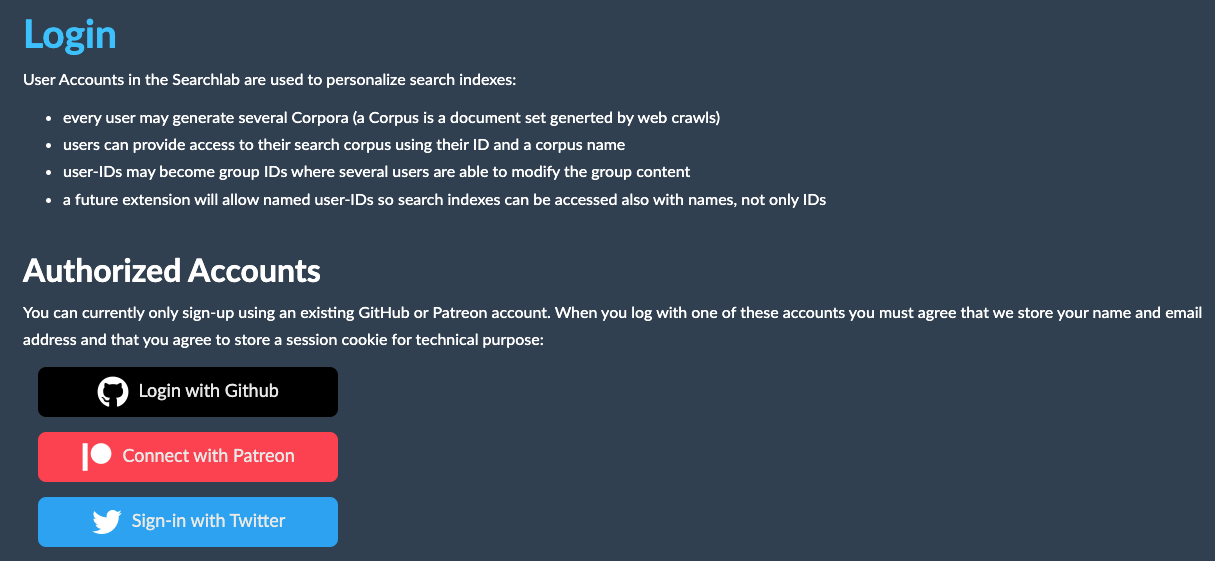
To test this, click at “login” on https://searchlab.eu or directly open https://searchlab.eu/en/login/
For Authentication there is now a self-management zone where the user can edit account details:
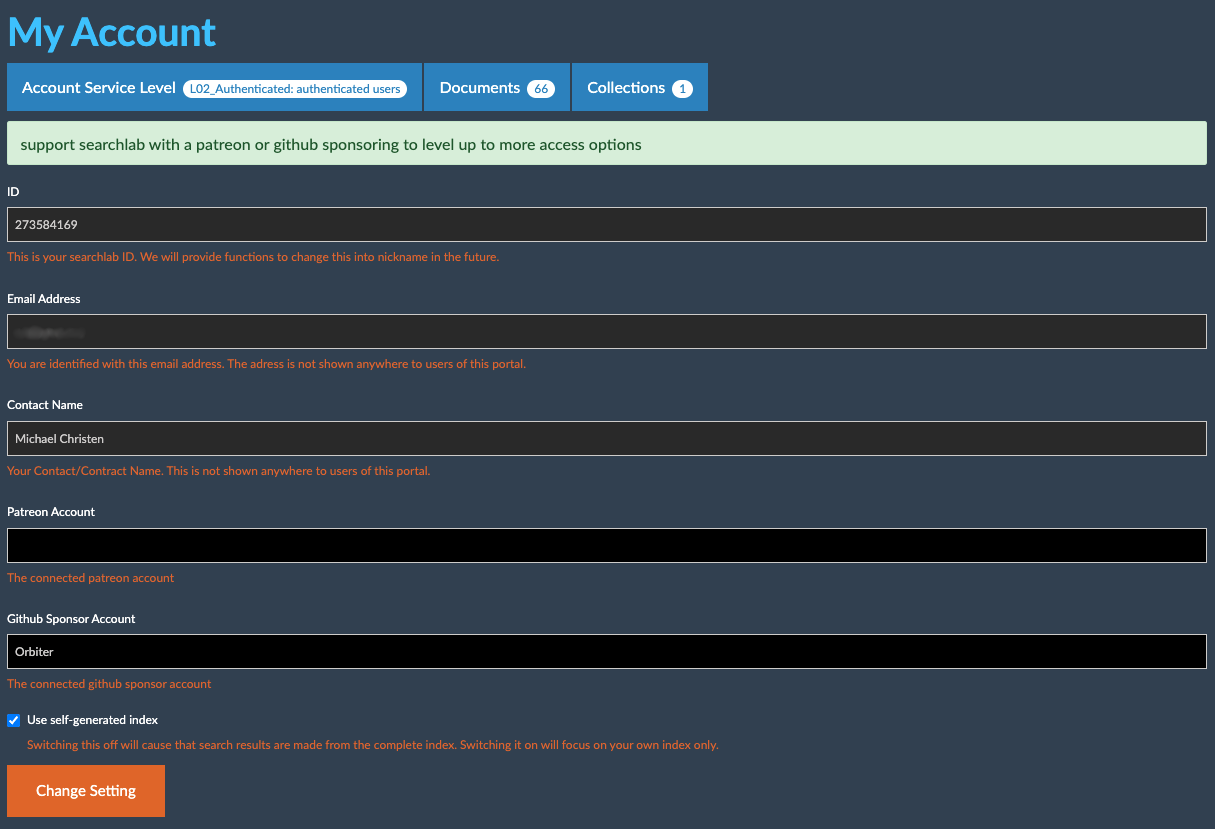
This page can be found at the link with your user-id in the main menu, i.e. https://searchlab.eu/273584169/home/
This is also the place where you can assign a patreon and/or github sponsors account. If you are a patreon or github sponsor, extended abilities for your account are switched on. However, this works only with the completion of the next and final milestone. For now every user has extended rights to generate an index.
Detailed information about the user rights gives the Access Control List (i.e. bandwidth, frequency of crawls, speed of crawls, frequency of API requests, asset storage space, number of search queries etc.)
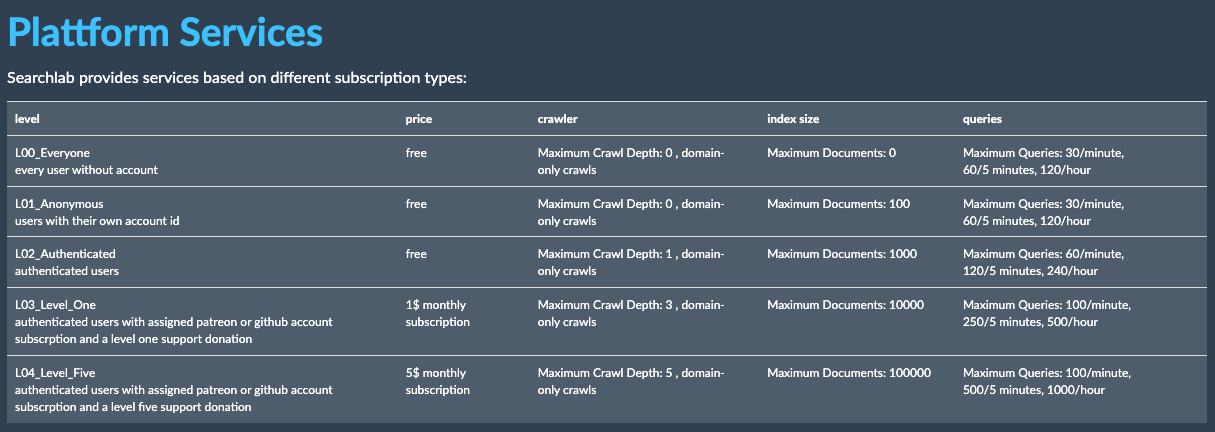
This page can be found at https://searchlab.eu/273584169/access/services/ - We might change details and extend this for more service levels.
Finally we added the option for the deletion of an account:

We tried to be minimalistic for the amount of data that we catch from twitter/github/patreon: we store only the users name and the users email address. The email address is used to identify the user and this makes it possible that you can use different sign-in methods while still accessing the same searchlab account, as long as the remote oauth services send back the same email address of that user.
“self”-Option in Account Settings:
This option will be set on when you create a new account. It causes that all search requests use only index entries that the user produced themself. That causes that immediately after a log-in all search results are empty unless you start a crawl. With the new accounts you can offer your own search portal content!
share your search portal
The address of your search portal after you logged in contains a user-id. You can share this address and other users can then use your search index without logging in!