Is there a way to configure Yacy so it crawls sites one at a time, rather than trying to handle them all in parallel? My system doesn’t have enough memory to index hundreds of sites at once, so I really need them processed sequentially from my list. I tried using a text file on the server, but Yacy tried to crawl everything at once and ran out of memory. Am I stuck having to wait for each crawl job to finish before I can start the next one?
You might be able to change a setting in the configuration file.
/root/yacy/DATA/SETTINGS/yacy.conf
You could try changing this line:
crawler.MaxActiveThreads=200
If you changed it to:
crawler.MaxActiveThreads=1
It might work. If you have success, I hope to see your update.
I will try now. If it will work, i will mark your answer as a solution. Thanks for your time!
It resets me back to 200 MaxActiveThreads
For editing of config file, I think is more safe to do that with YaCy stopped. Then edit the file and start YaCy again. I observed that config settings are overwritten when yacy is running.
You also don’t have to set the number of threats to 1 (extreme), which would limit the speed of crawling. Just find the value good for you, maybe somewhere in between.
Thank you! I didn’t know that!
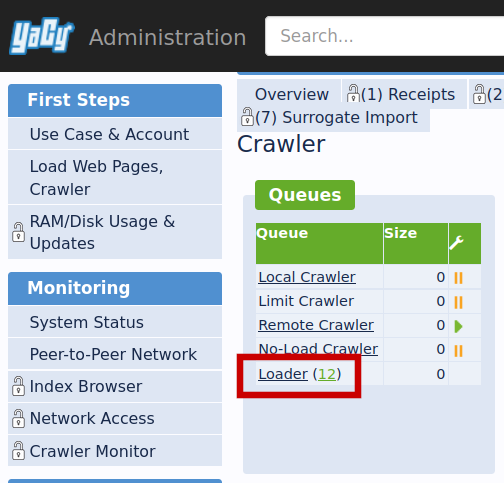
There used to be a page with optimisation hints. Quite old now, maybe outdated, but could help. The main game-changer is the ammount of assigned RAM, imho.